
Screenshots
App details
- Version
- 2.2
- Size
- 620.85 KB
- Updated
- February 12, 2019
- Requires
- Windows 2000
- Language
- English
- License
- Free
- Developer
- Visit Website
- Category
- Windows OS
SoftPas in:
This product is also available in the following languages:
About Sxipper
Download Sxipper – Firefox password manager, form filler, and secure login tool
Overview
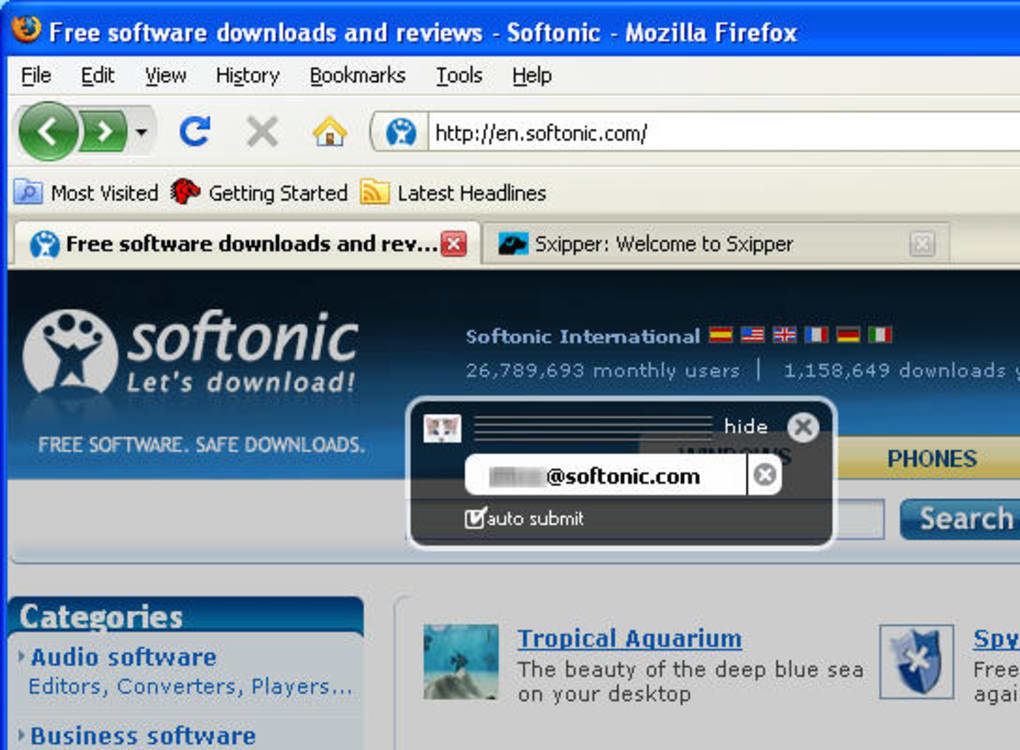
Sxipper is a powerful Firefox add‑on designed to take password management a step beyond the browser’s built‑in capabilities. While Firefox already offers a basic password manager, Sxipper adds intelligent form‑filling, multi‑user support, and a sleek overlay interface that makes logging into websites feel effortless. Every time you type a username and password, Sxipper prompts you to store the credentials. The next visit, the extension can auto‑populate not only the login fields but entire forms—address, phone number, and custom fields included—saving you countless keystrokes. For families or shared workstations, Sxipper lets you keep separate profiles, so each user sees only their own data. The UI appears as a lightweight overlay that lists saved usernames; a single click logs you in, and the overlay disappears, leaving the page untouched. Although it cannot override sites that you have explicitly told Firefox to ignore, Sxipper still represents a secure, free, and regularly updated tool for anyone who wants a faster, more flexible authentication experience on Windows, macOS, or Linux.
Key Features
- Full‑form auto‑fill – remembers and inserts address, phone, and custom fields.
- Multi‑user profiles – store distinct credential sets for different family members or work accounts.
- Overlay login window – click a username to log in instantly without leaving the page.
- Secure encryption – all data is encrypted locally before being saved to your Firefox profile.
- Automatic updates – receives regular security patches and feature enhancements via Mozilla Add‑ons.
- Cross‑platform support – works on any OS that runs Firefox, including Windows, macOS, and Linux.
- Export/Import – easily back up your credentials or migrate them to another device.
How It Works
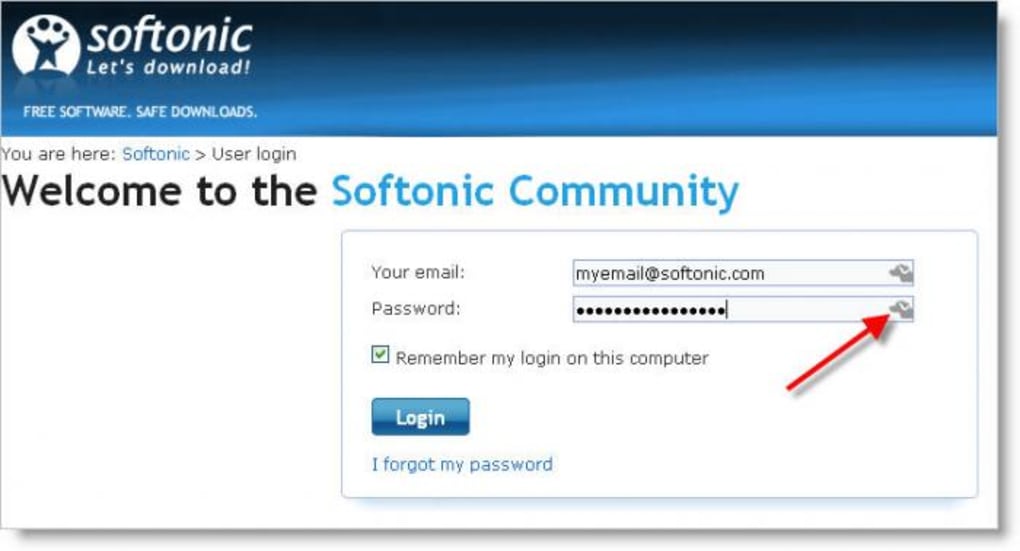
When you first enter a username and password on a site, Sxipper detects the input fields and displays a subtle prompt asking if you’d like to save the data. Accepting stores the information in an encrypted vault tied to your Firefox profile. The next time you visit the same domain, Sxipper injects a small overlay button near the login form. Clicking the overlay reveals a list of saved usernames; selecting one instantly fills the entire form, including hidden fields that many standard password managers ignore. If you have multiple profiles, a tiny dropdown lets you switch between them, ensuring that personal and work accounts never get mixed. Sxipper also respects the same origin policy, meaning credentials are never shared across unrelated sites, keeping your data compartmentalized and secure.
Installation, Usage & Compatibility
Step‑by‑Step Installation
- Open Firefox and navigate to the official Sxipper add‑on page.
- Click the “Add to Firefox” button and confirm the permissions request.
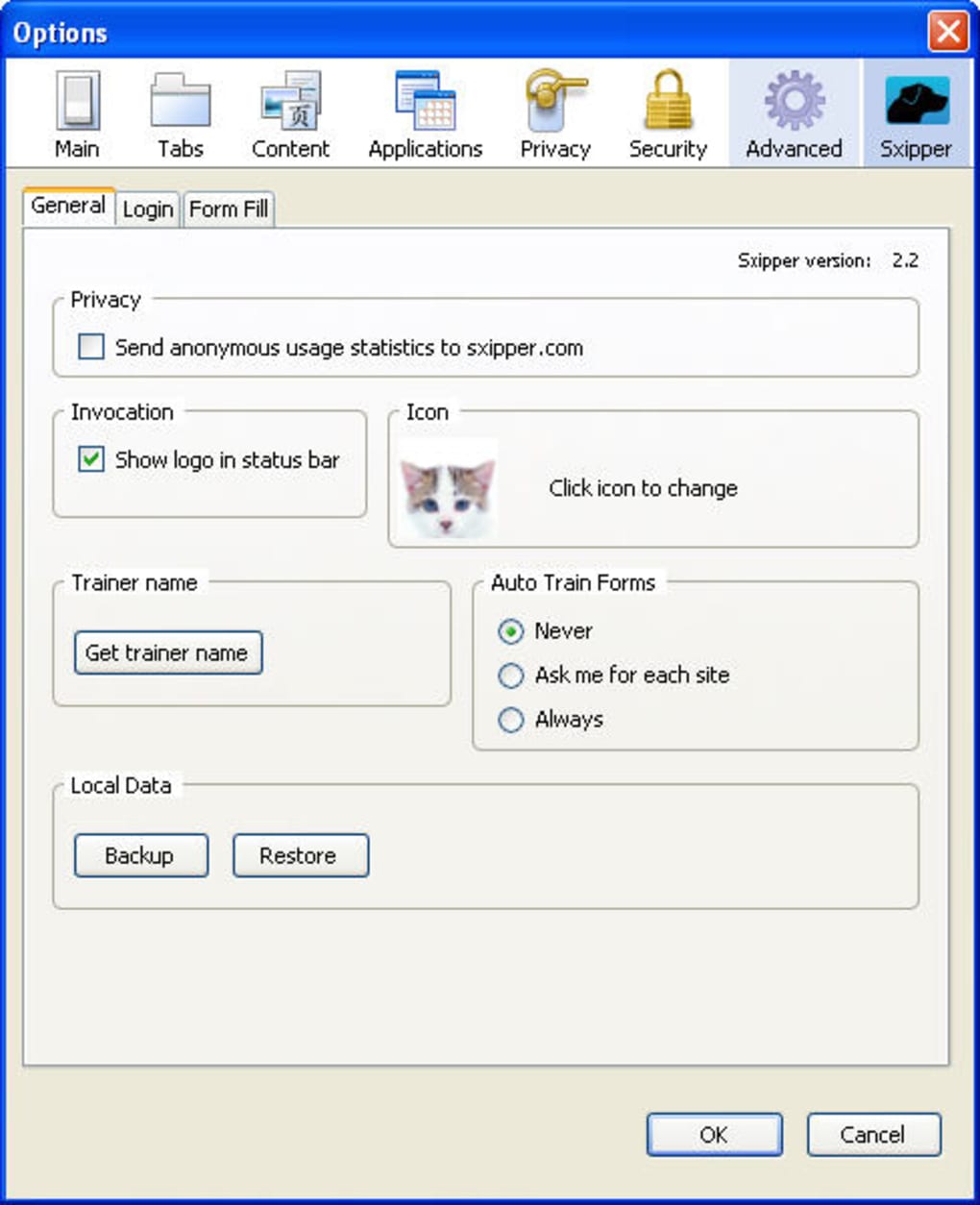
- After installation, a small Sxipper icon appears in the toolbar; click it to open the settings panel.
- Configure your master password (optional but recommended) to encrypt stored data.
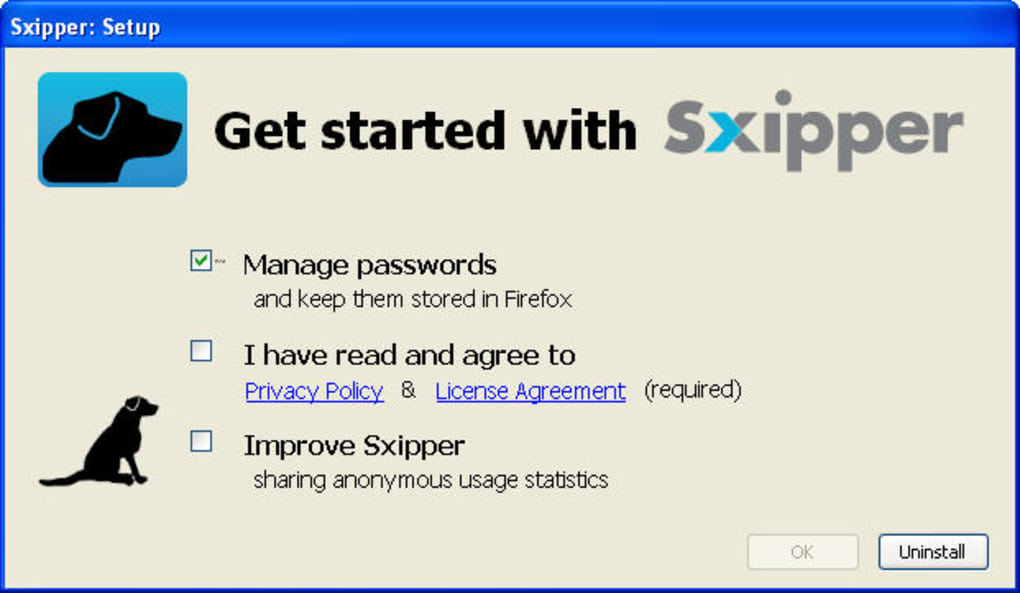
- Start browsing—Sxipper will automatically prompt to save credentials the first time you log in to a new site.
Using the Overlay Effectively
When you revisit a site with saved credentials, look for the faint Sxipper badge near the login fields. Clicking the badge opens an overlay window listing all usernames stored for that domain. Choose the appropriate user, and the extension fills the form in milliseconds. For sites with multiple forms (e.g., checkout and address forms), Sxipper remembers each form’s field mapping, allowing you to fill them independently. If you need to edit or delete a saved entry, open the Sxipper settings from the toolbar icon, select “Manage Vault,” and use the edit/delete icons next to each record.
Compatibility
Sxipper is compatible with any operating system that supports the latest version of Firefox, including Windows 10/11, macOS 12 and newer, and major Linux distributions (Ubuntu, Fedora, Debian, etc.). Because it runs as a browser extension, there is no separate desktop client, and it does not interfere with other Firefox add‑ons. Mobile Firefox on Android and iOS does not currently support Sxipper, as the overlay UI relies on desktop‑only APIs.
Pros and Cons
Pros
- Free, open‑source, and regularly updated through Mozilla’s add‑on ecosystem.
- Full‑form auto‑fill saves more than just usernames and passwords.
- Multi‑user support is ideal for families or shared workstations.
- Lightweight overlay UI keeps the browsing experience uncluttered.
- Local encryption ensures data never leaves your device.
Cons
- Does not work on sites you have explicitly disabled Firefox’s password saving.
- Limited to desktop Firefox; no native support for mobile browsers.
- Requires manual removal of unwanted entries via the settings panel.
- Overlay may be hidden by aggressive ad‑blockers or custom CSS themes.
Frequently Asked Questions
Can Sxipper replace Firefox’s built‑in password manager?
Sxipper complements Firefox’s native manager by adding form‑filling and multi‑user profiles. You can still use the built‑in manager for basic logins, but Sxipper offers more flexibility for complex forms and shared devices.
Is my data encrypted?
Yes. All credentials are encrypted locally using the master password you set during the first run. The encrypted vault never leaves your computer unless you manually export it.
What happens if I uninstall Sxipper?
Uninstalling the add‑on removes the overlay UI but leaves the encrypted vault within your Firefox profile. You can reinstall Sxipper later and restore all saved data without re‑entering credentials.
Can I use Sxipper on a corporate computer with strict IT policies?
Because Sxipper stores data locally and does not require external servers, it generally complies with most corporate security policies. However, always check with your IT department before installing any browser extension.
How often does Sxipper receive updates?
Updates are released through the Mozilla Add‑ons portal, typically every few weeks. Automatic update checks are built into Firefox, so you receive the latest security patches without manual effort.
Conclusion & Call to Action
Sxipper fills a niche that many Firefox users overlook: seamless, secure form filling combined with multi‑user credential management. Its free, open‑source nature and tight integration with the Firefox UI make it a compelling choice for anyone looking to speed up daily logins without sacrificing security. While it doesn’t override sites that have been blacklisted by Firefox, the trade‑off is a more focused, privacy‑first design. If you value a clean overlay, encrypted local storage, and the ability to switch between personal and work profiles in a single browser, Sxipper is worth a try. Download Sxipper today from the official Mozilla Add‑ons site, set up your master password, and enjoy faster, smarter logins across the web.
Overall Rating: 4.5/5
Guides & Tutorials
How to install Sxipper
- Click the Download button above.
- Once redirected, accept the terms and click Install.
- Wait for the Sxipper download to finish on your device.
How to use Sxipper
This software is primarily used for its core features described above. Open the app after installation to explore its capabilities.
User Reviews
No reviews yet. Be the first to share your experience.
You may also like
more
Llama 2
Free-to-use large language model As the new addition to Meta’s arsenal of langua...

NotebookLM
Revolutionizing the note-taking and idea-generation process NotebookLM is an exp...

Github co pilot
AI-inspired software development and coding platform GitHub Copilot is a browser...

Google Gemma
Google’s lightweight AI models Introducing Google Gemma , a family of cutting-ed...

AI Image Enlarger
A free app for Windows, by ai-image-larger. AI Image Enlarger is a free software...

DALL E
AI-driven text-to-image transformation engine DALL·E is a free graphic and desig...